How ready am I?
One honest number: what you would score if the exam were today.


Exams have their own vocabulary. Words from the exam's glossary are marked inside the question: tap one and its definition floats up, without leaving the question.
An illustration of how it works. The numbers are examples.
Marked words have a dotted underline. One tap opens the definition, in the language of the exam.
The full list sits under Help, A to Z, with search across words and common questions.
While you sit a mock the words stay unmarked. They are marked in the correction afterwards.
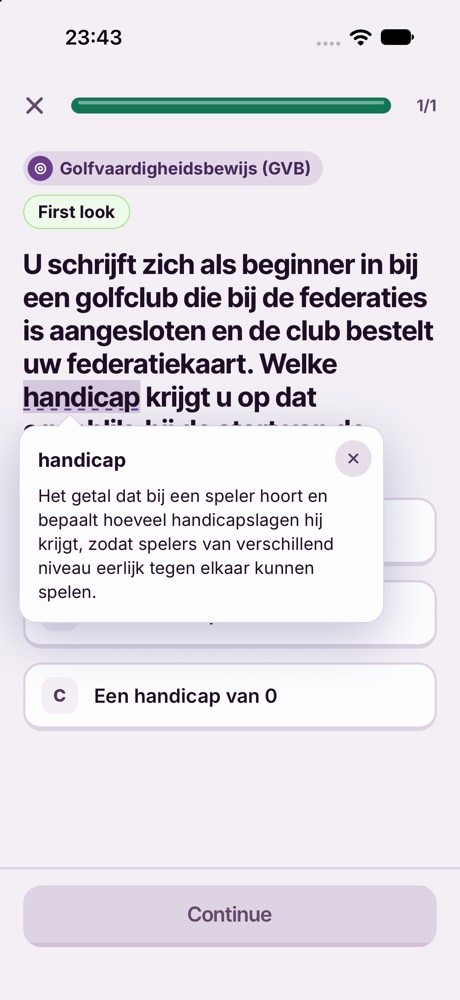
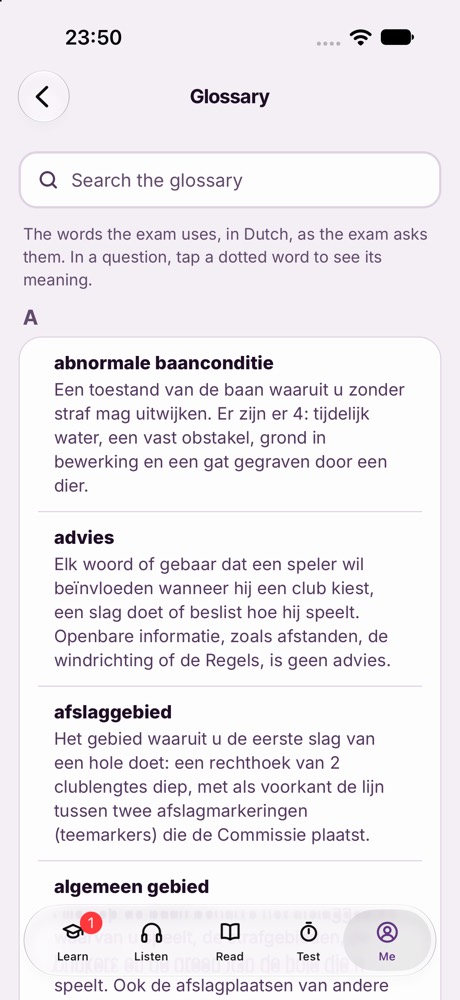
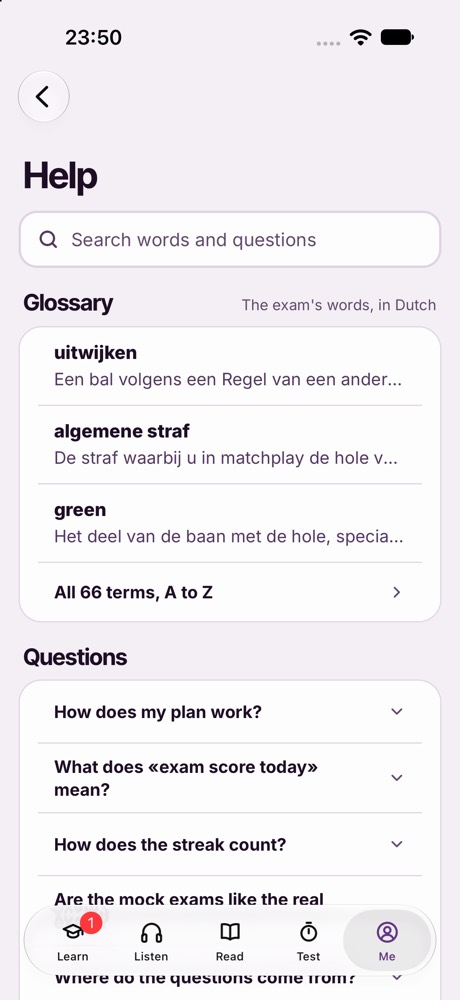
Screens from the app itself, on the Golf GVB exam, which is sat in Dutch.
The glossary appears where the exam has one.
One honest number: what you would score if the exam were today.
The same number of questions, the same clock and the same marking as the exam.
The full course text, in a reader you can set up your way.