
A look for your exam
Inside an exam, the whole app takes on its colours, its icon and its landscape.


Add the Your exam widget to your home screen or lock screen. It tells you what today asks of you, and a tap opens the right screen.
An illustration of how it works. The numbers are examples.
Small shows today's message and O. Medium adds a readiness bar. Large shows up to four parts against their minimums.
Circular, rectangular and inline versions keep your countdown or reviews a glance away.
Reviews today, All done, the countdown, then Good luck on the day. Stay away a few days and O falls asleep, still counting.
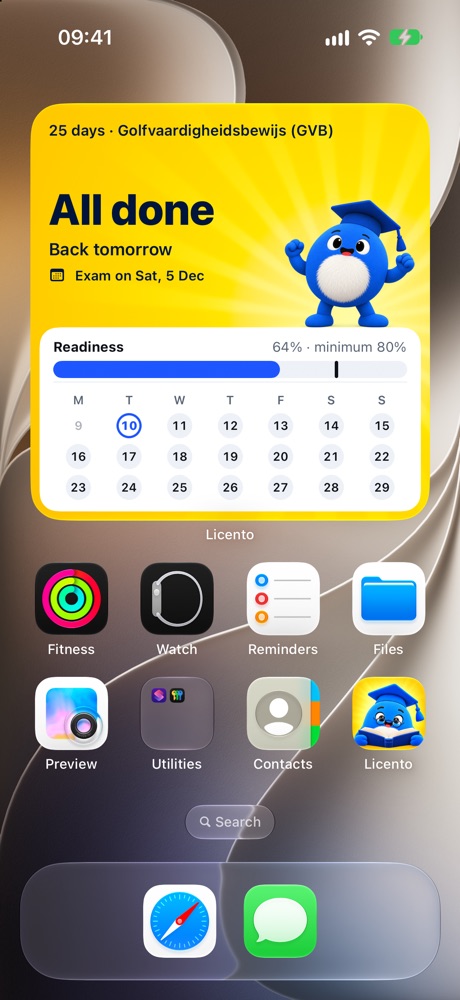
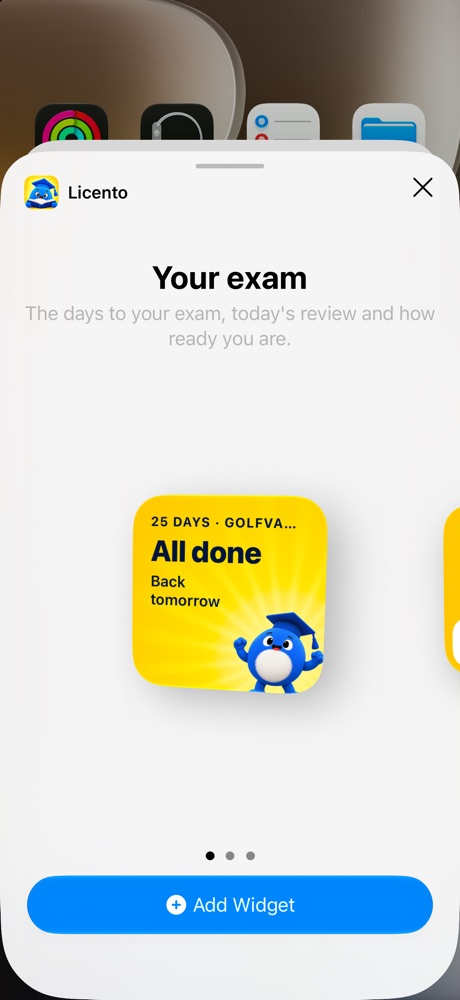
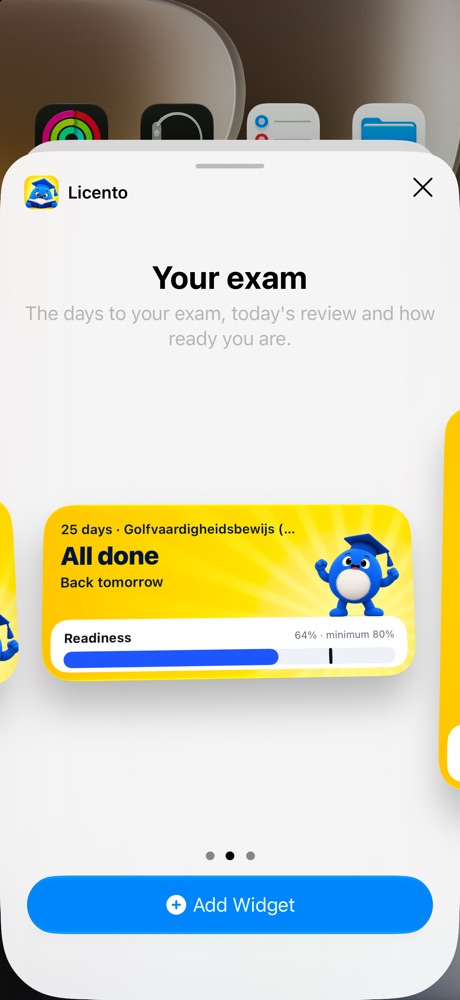
Screens from the app itself, on the Golf GVB exam, which is sat in Dutch.
For iPhone with iOS 17 or later. Readiness bars and reviews need a pass; without one it shows the countdown.
Inside an exam, the whole app takes on its colours, its icon and its landscape.
A small blue guide in a graduation cap, who turns up when it counts.
One clear route through the whole syllabus, paced to your exam date.