
PodcastsOn its way
Episodes about your exam, for when you would rather listen.


Tap Listen and your phone reads the chapter, lighting up the block it is on. It keeps going in other tabs and with the phone locked, and carries on into the next chapter.
An illustration of how it works. The numbers are examples.
The block being read is highlighted, so you can look up and find your place again.
Speed from 0.75× to 1.5×, previous and next paragraph, and it plays with the silent switch on.
It uses the voices on your iPhone for the exam's language. If you only have a basic one, the app shows you how to get a better one, free.
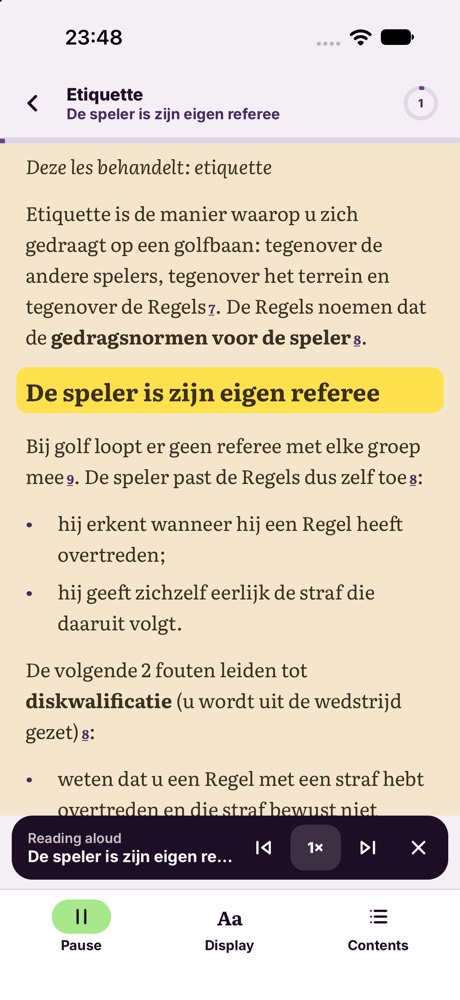
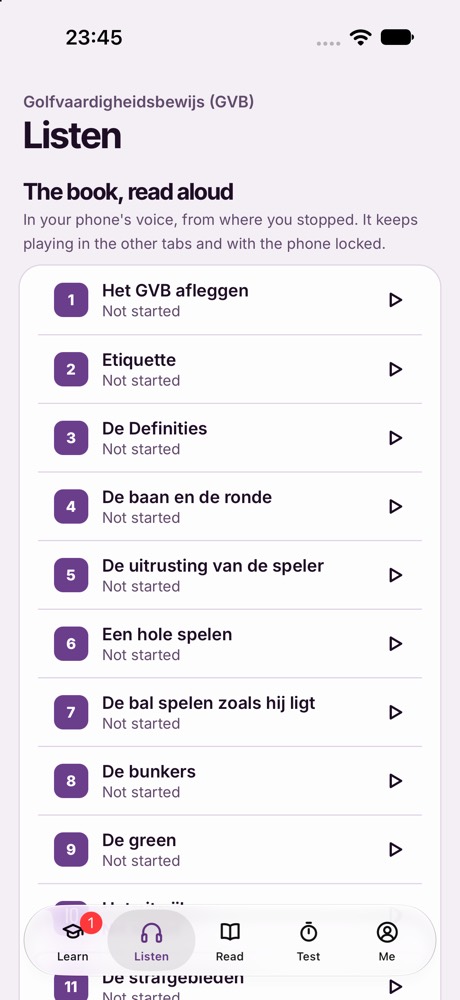
Screens from the app itself, on the Golf GVB exam, which is sat in Dutch.
This is your phone's own voice, so quality depends on the voices installed. It reads the book; questions and mocks are not read aloud.